Project Linux On USB
Old Laptops and Old Spinning Hard-Drives
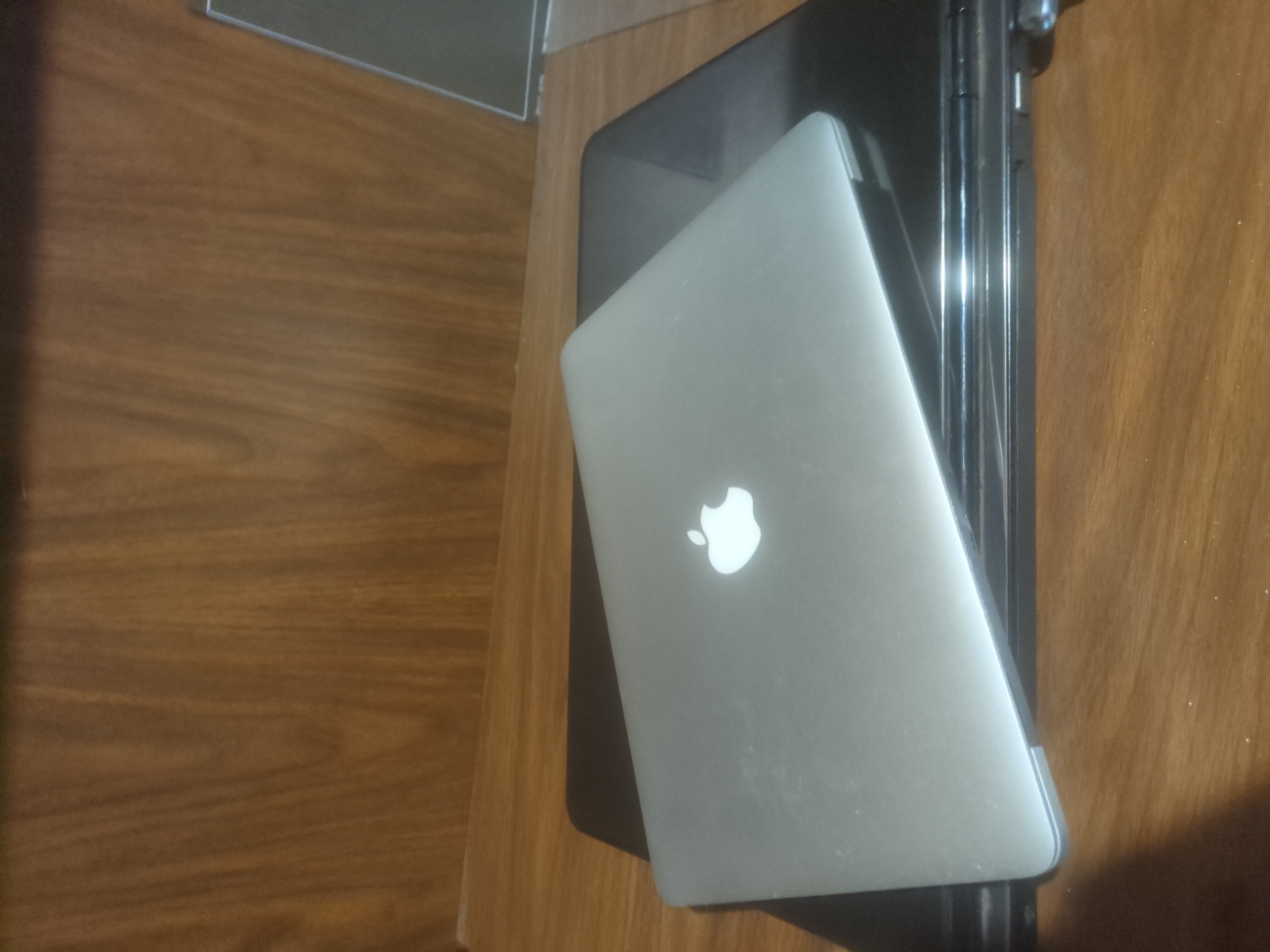
Our family has a few older laptops that I like to enjoy for various reasons. Yet, the issue is that we are still saving old files found on them & also I would still like to enjoy the older OSes like Windows XP, 7, & 8 on a few occasions. So my big idea is to enjoy most of them with Linux. Yet, most of the spinning hard-drives are in questionable condition or really doesn't have a lot of room to give up. Shocking that we used to enjoy Windows on sub 100GB storage. So My idea is to do what my old self wanted to do but lacked patience & intelligence enough to do, PUT LINUX ON A THUMB DRIVE!
First Attempt
So at first I tried my favorite way to test Linux out, Ventoy. I had some issue with the Sandisk USB drive but that was an issue with my dying Microslop Surface Pro 8's failing USB hubs. To get the item working with persistence requires a plugin and some configuration files. So far I have not done that successfully. I should revisit that because if I bought a LARGE USB drive the benefit is that I could enjoy a few different Linux flavors. The setups that I typically try are just failing most of the time and I'm not sure why. Again will revisit this later.
Second Attempt
Rufus since at work I have to use Microslop Windows. So I tried Rufus with its Persistence feature but again it didn't really work. Not crazy about this method anyways due to Microslop. I loathe needing to use Windows. It's been slow when I try and normally give up when it takes hours to format. Eh, guess this failed attempt was for the best.
Third Attempt
This works for sure and not too bad. I just have two USB drives, one with my Ventoy & the other USB left blank. I can just install Linux to the USB that is blank after booting from Ventoy USB. This worked out pretty well, I installed Arch Linux onto it and enjoyed the process. My only issue that I had was on the old laptop the USB didn't boot. I should have changed the boot loader because I believe it went with SystemD or something. I should have used Grub or something else. This method was quite commonly mentioned on Reddit. There was one more mentioned deep in the comment section.
Reddit Deep Dive Suggestion
Reddit when mentioning Two USBs another suggestion often came up, digging through the comments its not hard to see one of these cool comments. The comment with its nonchalant manner just rolls up and says "why two USB? Just use VM".
This clicked for me sure yeah. A VM is a method for sure. That would work but by the time I read it was when I was leaving for work already. At work I only have Microslop. It kind of worked out the gate but the work computer limits my access to USB & networking when running VM. Then also the Intel NUC under microslop would crash & then my work computer would wake up to spend half-n-hour of group policy updates. Man, microslop is TERRIBLE!!!
Return to Retest Ventoy
This took some time to square in microslop but I got it. I also downloaded the persistence drive unlike last time when I attempted to create the images myself. That helped because trying to do this part is where I hung up on the first attempt. My USB port on my Microslop Surface Pro 8 kept messing up or I would ding the thing messing up the USB setup. I got Linux Mint to work which is cool. Hoping to get this to work with PeppermintOS & maybe EndeavourOS each with some decent space setup. If this works on the old laptops I might invest in a nicer USB thumb drive.
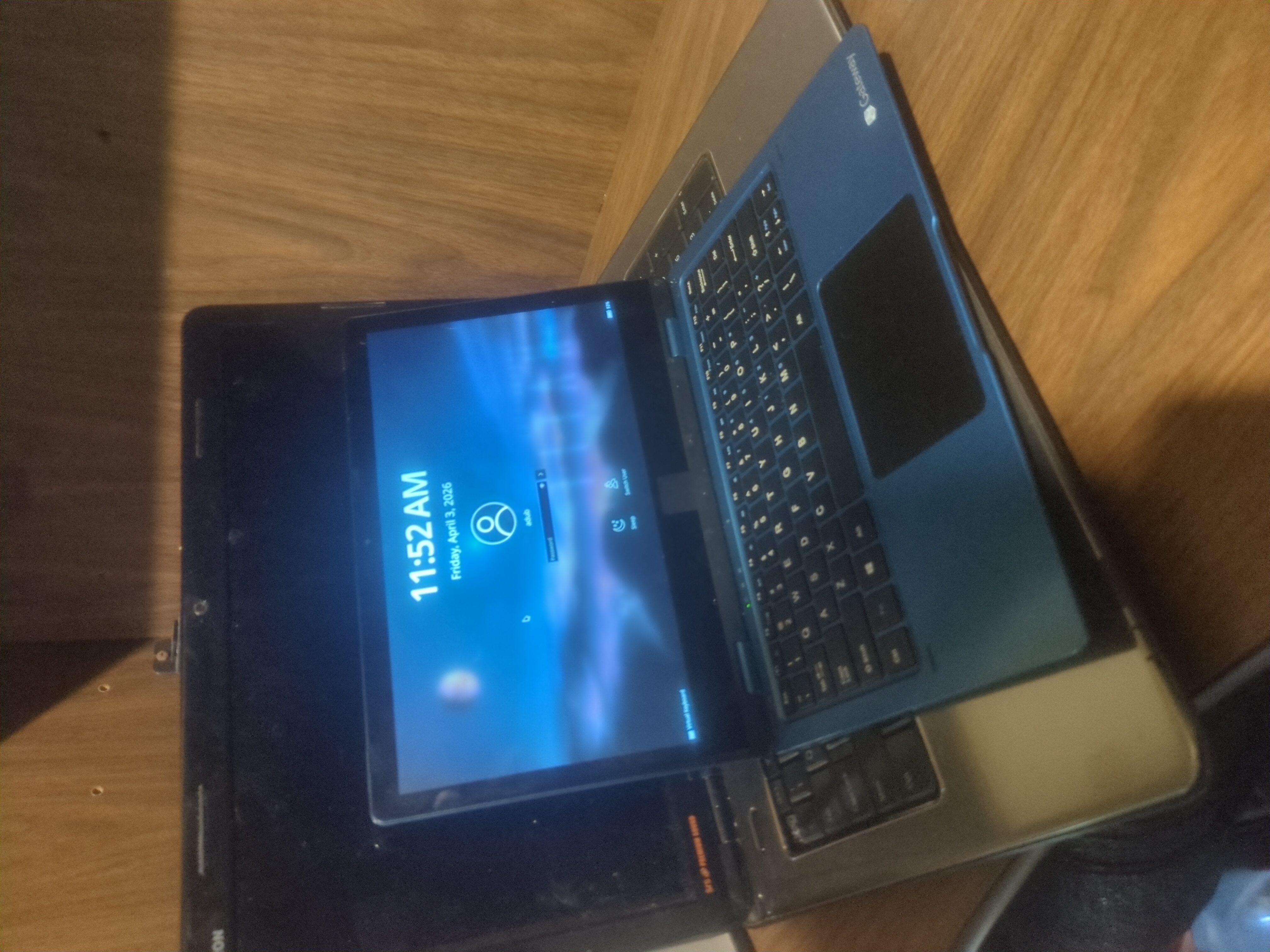
I hope this works because one of the old laptops is a pretty cool Dell with a YUGE!!!! Screen. Not going to lie I would like to enjoy time in bed watching some old films with my partner in bed without Microslop Windows hemorrhaging from the spinning rusted disk drive. Also, the multi-OS set up would be great to have too. That gives me some interesting configurations. I can have different styles depending on various needs.
Other Setups
I have two other devices that might be used headless with this setup once I have everything setup. I want their old hard-drives to keep Windows XP & Mac OS but their screens are broken. I might purchase another JetKVM so then the family can all use it for fun as well but when the old stuff isn't being used then I can poke it with my Linux USB stick. I could then SSH or remote into my Linux USB when I want to run side projects from the older devices. It seems right to get use to using older underpowered devices again because Raspberry Pis are yet again getting priced out of the Hobbyist market. Stupid "AI" scam economy is jacking up the price of everything.